






 September 21, 2026
 4 min read
From work and study to shopping and entertainment, screens are now part of everyday life. However, spending long periods using computers, tablets and phones can leave your eyes feeling tired, dry or uncomfortable.
These symptoms are commonly described as digital eye strain or computer vision syndrome. While the discomfort is usually temporary, recurring symptoms can affect your concentration and make everyday screen-based tasks more difficult.
What Is Digital Eye Strain?
Digital eye strain describes a group of eye and vision symptoms associated with prolonged use of computers, smartphones, tablets and other digital devices.
When you concentrate on a screen for an extended period, your eyes continually maintain close focus. People also tend to blink less frequently while looking at screens, which can contribute to dry, irritated or tired eyes.
Glare, unsuitable lighting, small text, an uncomfortable screen position and an uncorrected prescription can make symptoms more noticeable. Although screen use can leave your eyes feeling strained, these symptoms will often improve once your eyes have had an opportunity to rest.
“Regular breaks and a comfortable screen setup can make a meaningful difference to how your eyes feel throughout the day.”
The 20-20-20 Rule Explained
One of the simplest ways to give your eyes a break is to follow the 20-20-20 rule:
Every 20 minutes, look at something approximately 20 feet away for at least 20 seconds.
Looking into the distance gives the focusing muscles in your eyes a brief opportunity to rest. It is also a useful reminder to blink fully and regularly, helping to keep the surface of your eyes comfortable.
The rule works best alongside a few practical adjustments:
- Position your screen approximately an arm’s length away.
- Keep the screen directly in front of you at a comfortable height.
- Increase the text size rather than leaning towards the screen.
- Reduce glare and reflections from windows or overhead lighting.
- Adjust the screen brightness to suit the surrounding room.
- Blink regularly, particularly when concentrating.
- Break up longer periods of screen work with changes in activity.
- Wear your prescribed glasses for computer or close work where advised.
A comfortable screen position, suitable lighting and regular breaks can help reduce eye strain, headaches and posture-related discomfort during the working day.

Taking regular screen breaks, even for just 20 seconds at a time, can help your eyes feel more comfortable throughout the day.
Symptoms You Shouldn’t Ignore
Digital eye strain can affect people differently. Common symptoms include:
- Tired, aching or heavy-feeling eyes
- Dry, gritty, burning or irritated eyes
- Red or watery eyes
- Blurred vision
- Difficulty changing focus between near and distant objects
- Headaches during or after screen use
- Increased sensitivity to bright light or screen glare
- Neck, shoulder or back discomfort associated with screen posture
Symptoms will often improve after resting your eyes. However, recurring headaches, blurred vision or eye discomfort should not automatically be attributed to screen use. They may also be associated with dry eye, an outdated prescription or another vision concern.
When to See an Optometrist
Consider booking an eye examination if your symptoms occur regularly, continue after you have taken a break or begin to interfere with work, reading, driving or other everyday activities.
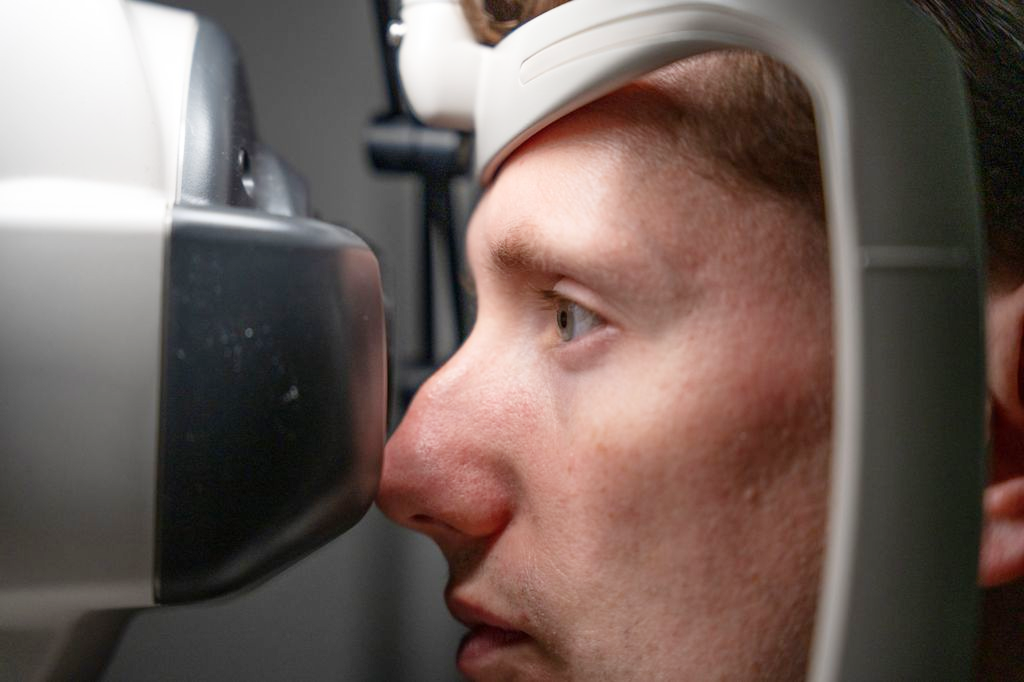
Your optometrist can check whether your prescription has changed and assess how comfortably your eyes focus and work together. They can also examine your eye health and identify whether dry eye or another vision concern may be contributing to your symptoms.
Depending on your individual needs, your optometrist may recommend an updated prescription, lenses suited to your working distance, changes to your screen setup or advice for managing dry or uncomfortable eyes.
A sudden or significant change in vision should not be assumed to be digital eye strain. Seek urgent medical advice if you experience sudden vision loss, severe eye pain or a red and painful eye.